How to Measure Ring Size With Phone App (Without the Guesswork)
Learn the step-by-step process of using your mobile device to get an incredibly accurate ring size measurement at home.

DHB Apps Team
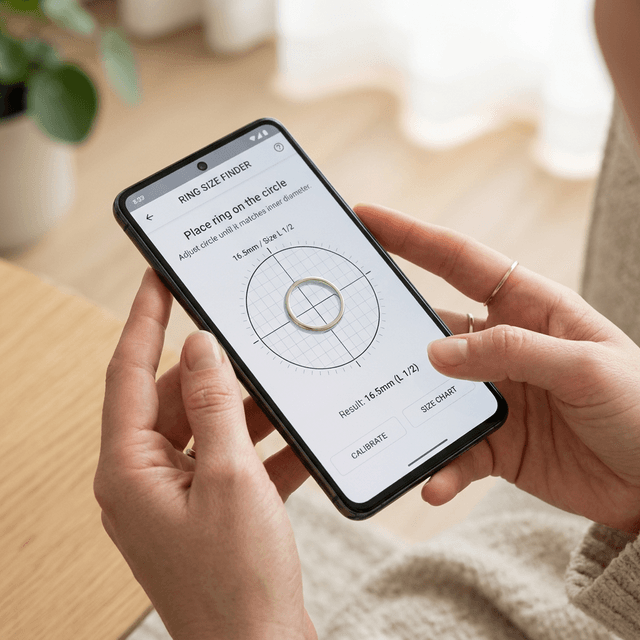
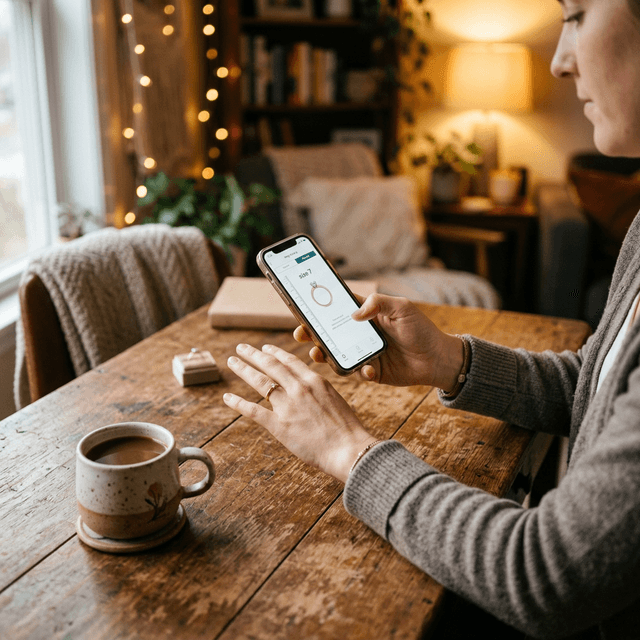
Getting an accurate ring size online has traditionally been fraught with anxiety. From strings and rulers to paper strips, conventional DIY methods are notoriously unreliable. But the digital revolution has changed everything. If you are wondering how to measure ring size with phone app, you are about to discover the most reliable secret in modern jewelry shopping.
Definition
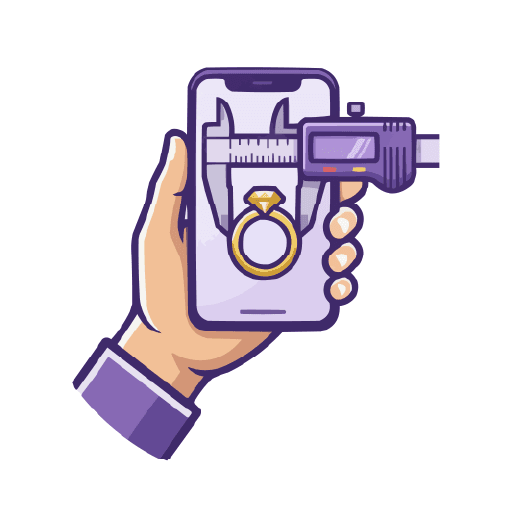
Smartphone Ring Measurement — Smartphone ring measurement is the process of using a mobile app's screen — whose exact physical dimensions are known — to render a calibrated digital circle. By placing an existing ring on the screen and adjusting the circle with a precision slider, the app calculates and displays your ring size in all major international standards instantly.
How to Measure Ring Size With a Phone App
Follow these five steps to get a millimeter-accurate ring measurement at home using your smartphone.
Download the Ring Sizer App
Install a professional-grade ring sizer app such as the DHB Apps Ring Sizer, available free on the App Store and Google Play. Open the app and allow any permissions it requests for display calibration.
Find a Reference Ring
Locate an existing ring that fits comfortably on the finger you wish to measure. If you are buying an engagement ring as a surprise, borrowing one of your partner's existing rings works perfectly. Ensure the ring is not bent or damaged — a perfect circle gives the most accurate result.
Place Your Ring on the Screen
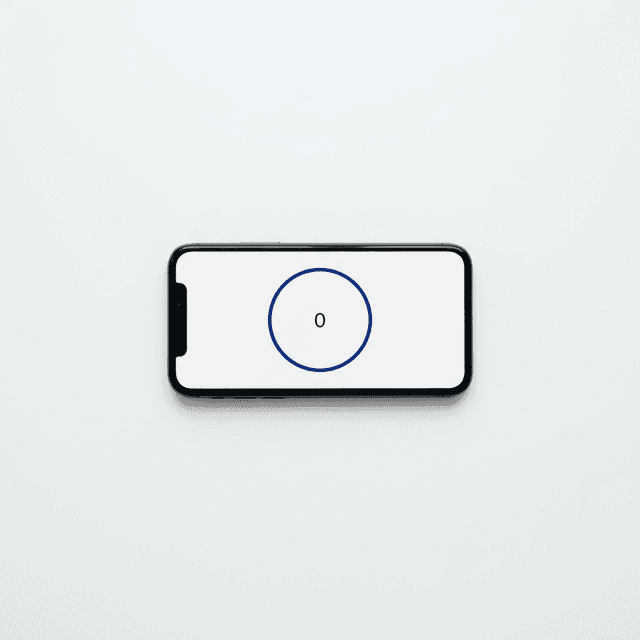
Launch the measurement screen inside the app. Place your reference ring directly on your smartphone's glass display, centering it over the illuminated digital circle. The app's dark-mode interface creates strong contrast so the ring edge is clearly visible.
Adjust the Slider for a Perfect Fit
Use the on-screen slider to grow or shrink the digital circle until it perfectly traces the inner edge of your physical ring. You should see just a faint sliver of the lit circle outlining the interior of the metal band — this is your zero-error alignment point.
Read Your Size in Any International Standard
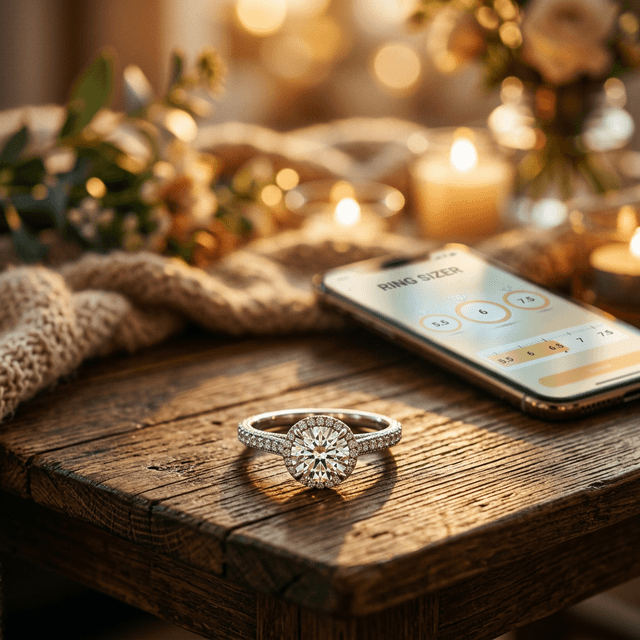
Once aligned, the app instantly displays your size in US, UK, EU (millimeters), and Japanese standards simultaneously. No external chart lookup is required. Note your size and make your purchase with complete confidence.
“The secret to absolute measurement accuracy lies in screen contrast. By providing a clean interface with distinct visual guides, any user can match a physical ring to a digital perimeter perfectly.
Why This Method Beats Every Alternative
- vs. String & Ruler: String stretches by up to 3mm under tension, making accurate readings nearly impossible. The app eliminates physical contact errors entirely.
- vs. Printable Charts: Printer "Fit to Page" scaling can distort a chart by 5%, which equates to two full ring sizes off. The app uses fixed screen physics — no printer involved.
- vs. Jeweler Visit: Jewelers measure your finger, not a specific ring. If you want to match an existing ring's inner diameter, the app method is more precise.
Summary: Why Knowing How to Measure Ring Size With Phone App Matters
The benefits of this process are enormous. It completely eliminates guesswork and the anxiety of returns. Whenever you buy fine jewelry online, the cost of an error is high — both monetarily due to restocking fees, and emotionally if the ring doesn't fit a loved one perfectly.
For the absolute most refined, straightforward, and reliable way to handle this delicate measurement, use the DHB Apps Ring Measurement App. It's fast, intuitive, and designed to look stunning while doing its job flawlessly.
Frequently Asked Questions
To measure ring size with a phone app like the DHB Apps Ring Sizer:
- Download the Ring Size App from the App Store or Google Play.
- Place an existing well-fitting ring flat on your phone screen.
- Use the app's slider to match the digital circle to the ring's inner diameter.
- The app instantly shows your size in US, UK, EU, and other international standards.
The DHB Apps Ring Sizer App achieves ±0.2mm accuracy by using your phone's known screen pixel density — comparable to a professional jeweler's sizing tool. This removes the human errors common with manual string or paper methods, giving you a consistent result every time.
No. The DHB Apps Ring Sizer App works without manual calibration. It reads your device's built-in screen dimension data at launch to automatically set the correct scale. Apps that require a credit card or coin for calibration introduce additional error at that step and are less reliable.
Most ring sizer apps, including the DHB Apps Ring Sizer, work by matching a digital circle to a physical ring's inner diameter. If you don't have a reference ring, the app offers a finger-wrap guide as an alternative method, though matching an existing ring gives the most accurate result.